
If you want a Bible app that reads to you, check three things first: narration of the whole Bible (not just a handful of famous passages), a translation you understand easily by ear, and audio that keeps playing when your screen is locked. After that, verse highlighting, speed control and a clean, ad-free player are what separate an app you try once from one you use every day. Below you'll find what to check, how to use audio well, and a few easy places in your day to start.
Why so many Christians listen to the Bible
Hearing Scripture is older than reading it alone. In Nehemiah 8, Ezra reads the Law aloud to the gathered people from daybreak until noon, and everyone listens and responds. Paul tells Timothy to devote himself "to the public reading of Scripture" (1 Timothy 4:13, NIV). Revelation opens with a blessing on "the one who reads aloud the words of this prophecy" and on "those who hear it" (Revelation 1:3, NIV).
For most of church history, ordinary believers met the Bible with their ears, in worship, long before personal copies were common. An audio Bible is a modern form of something very old.
There are also practical reasons people look for an app that reads aloud:
- Time. A commute, a walk or a sink full of dishes becomes time in Scripture.
- Attention. Some people follow a passage better when they hear it than when they stare at a page, especially when they're tired.
- Seeing the whole story. Listening to Ruth or Mark in one or two sittings shows you the shape of the book in a way short daily snippets rarely do.
- Eyes and energy. Small print, a long day of screens, dyslexia or just a tired brain at night can make reading harder than listening.
What to look for in a Bible app that reads aloud
Not every audio Bible works the same way. Before you settle on one, go through this list.
- The whole Bible, chapter by chapter. Some apps only narrate selected passages or one testament. If you want to listen through a book, or someday the entire Bible, make sure every chapter has audio.
- A translation that works by ear. Clear, modern English is easier to follow when you can't see the words. If you love the King James Version for reading, you may still prefer a modern translation for listening. Our guide on how to choose a Bible translation explains the trade-offs.
- The text on screen, with the current verse highlighted. When you do glance at your phone, you know exactly where the reading is. It also helps when you want to stop and note a verse.
- Speed control. A slightly slower pace helps with dense passages like Romans. A slightly faster one helps when you're working through long historical books.
- Background and lock-screen playback. If the audio stops when the screen turns off, you can't use it while driving or walking. This single feature decides whether an audio Bible fits real life.
- No ads. An ad breaking into Psalm 23 is jarring. A quiet player matters more for audio than for almost anything else.
- Easy to find your place. You should be able to jump to any book and chapter in a couple of taps and come back to where you stopped.
Reading along or just listening?
There are two good ways to use narration, and they serve different purposes.
Reading along means keeping the text on screen while the audio plays. This is the best mode for study, for memorizing, or for passages you find difficult. The voice keeps you moving so you don't reread the same line three times, and your eyes catch details your ears might miss.
Just listening means putting the phone away. This is where audio shines for narrative books: Genesis, the Gospels, Acts, Esther, Jonah. You hear dialogue, repetition and turning points the way the first audiences did.
A simple rule: read along for letters and prophecy, just listen for stories. Then switch whenever something isn't working. If you notice your mind has wandered for five minutes, go back to reading along for a while.

Let Sacred read the Bible to you
Every chapter narrated, with each verse highlighted as you listen.
4.8on the App Store
 Scan with your phone
Easy moments to let the Bible be read to you
You don't need a new block of time to begin. Pair listening with something you already do.
| Moment | What to play | Roughly how long |
|---|---|---|
| Morning coffee | One psalm and one chapter of a Gospel | 5–10 minutes |
| Commute or school run | A chapter or two of a narrative book | 10–20 minutes |
| A walk | A short book in one go (Ruth, Jonah, Philippians) | 10–25 minutes |
| Chores | Continuing a long book, like Genesis or Acts | As long as the task |
| Bedtime | A quiet psalm, at a slower speed | 3–5 minutes |
Chapter lengths and narration speeds vary, so treat these as rough ranges. If you're new to the Bible, start with Mark, the shortest of the four Gospels, which moves quickly from scene to scene. Our guide on how to start reading the Bible suggests a few other first steps.
How Sacred reads the Bible to you
Sacred has the complete Bible narrated, chapter by chapter. In English the narration uses the Berean Standard Bible (BSB), a clear modern translation that is easy to follow by ear. While a chapter plays, the verse being read is highlighted on screen, so a quick glance tells you exactly where you are. You can change the playback speed, and the audio keeps going in the background and on the lock screen, which means you can start a chapter, slip your phone into your pocket and head out the door. There are no ads anywhere in the app.
If you prefer a classic text for reading, the King James Version is also available next to the BSB.
Listening is one part of Sacred. There's also a daily devotional with a verse, a short reflection and a narrated prayer; a Bible chat where you can ask questions about what you just heard; and cinematic short series based on Bible stories, in case you'd like to see a story before you listen to the chapter it comes from. But if all you want is a Bible app that reads to you, you can open a chapter and press play.
How to keep listening from becoming background noise
Audio is easy to start and just as easy to tune out. A few habits help it stay prayerful.
- Listen to one chapter, then stop. Thirty seconds of silence after a chapter does more than jumping straight into the next one.
- Carry one verse. Before moving on, pick a single line to think about for the rest of the day, and save it so you can find it later.
- Repeat what moved you. If a chapter stood out, play it again tomorrow. Repetition is how Scripture settles in.
- Answer in prayer. Respond to what you heard in a sentence or two. "Lord, you were patient with Jonah. Be patient with me" is enough.
- Don't aim for perfect. Missing a day doesn't cancel the habit. Press play again.
If you'd like a longer goal, the plans in our guide on how to read the Bible in a year work just as well with your ears as with your eyes.
A simple place to start
Today, play one chapter. Psalm 23 and Mark 1 are both good choices. Listen once without doing anything else, then ask yourself what you noticed. That's the whole method. A Bible app that reads to you is only a tool, but it can bring Scripture into the parts of your day where it was missing.
 Sacred Shorts
The whole Bible, read aloud
Listen to any chapter in Sacred, adjust the speed and keep it playing with your screen locked. Then start tomorrow with a verse, a devotional and a prayer.
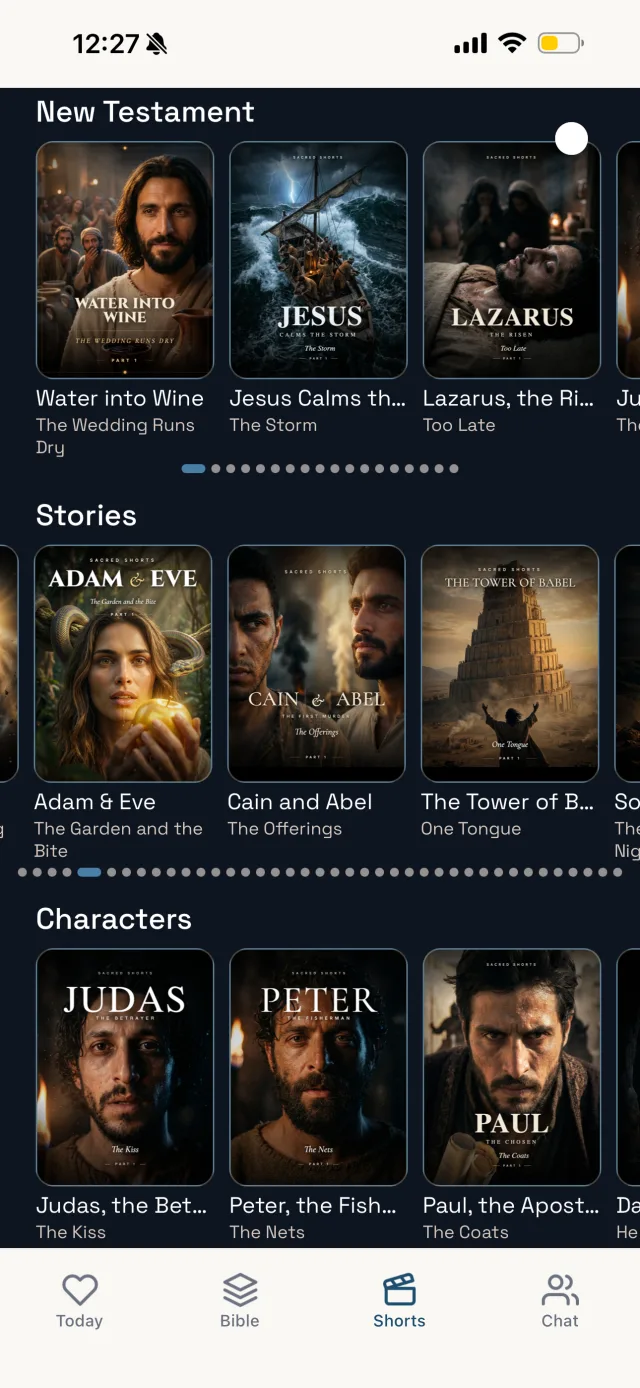
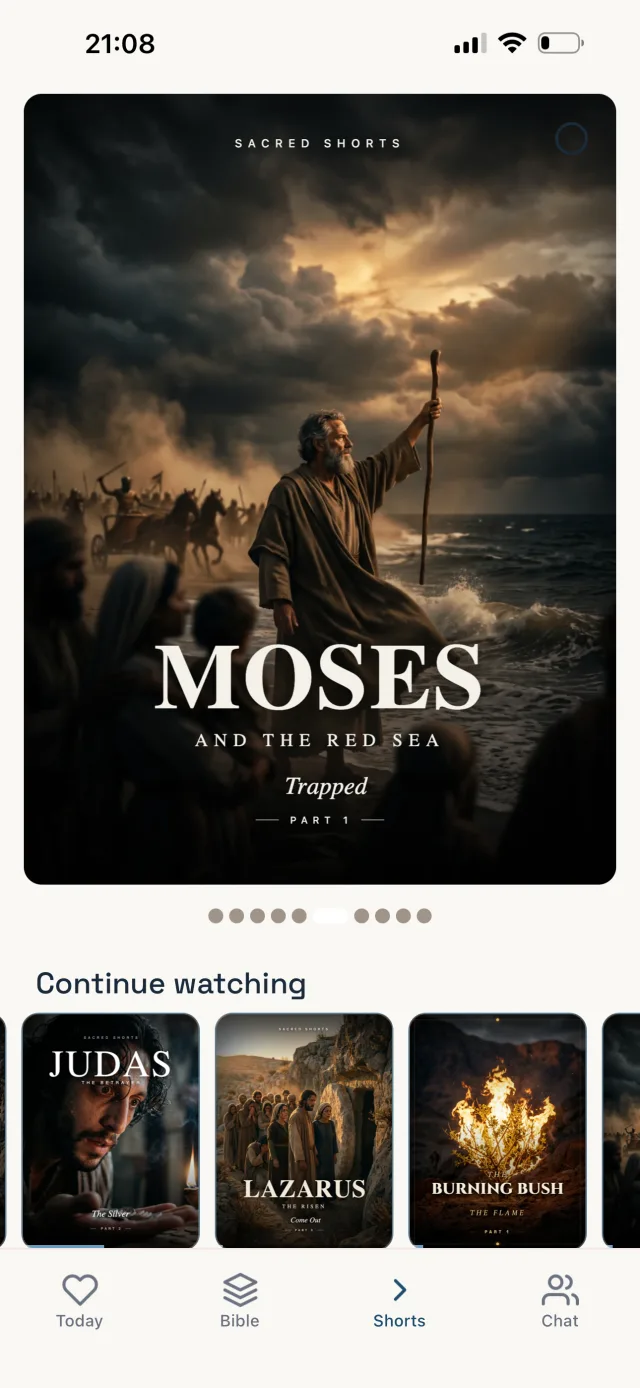
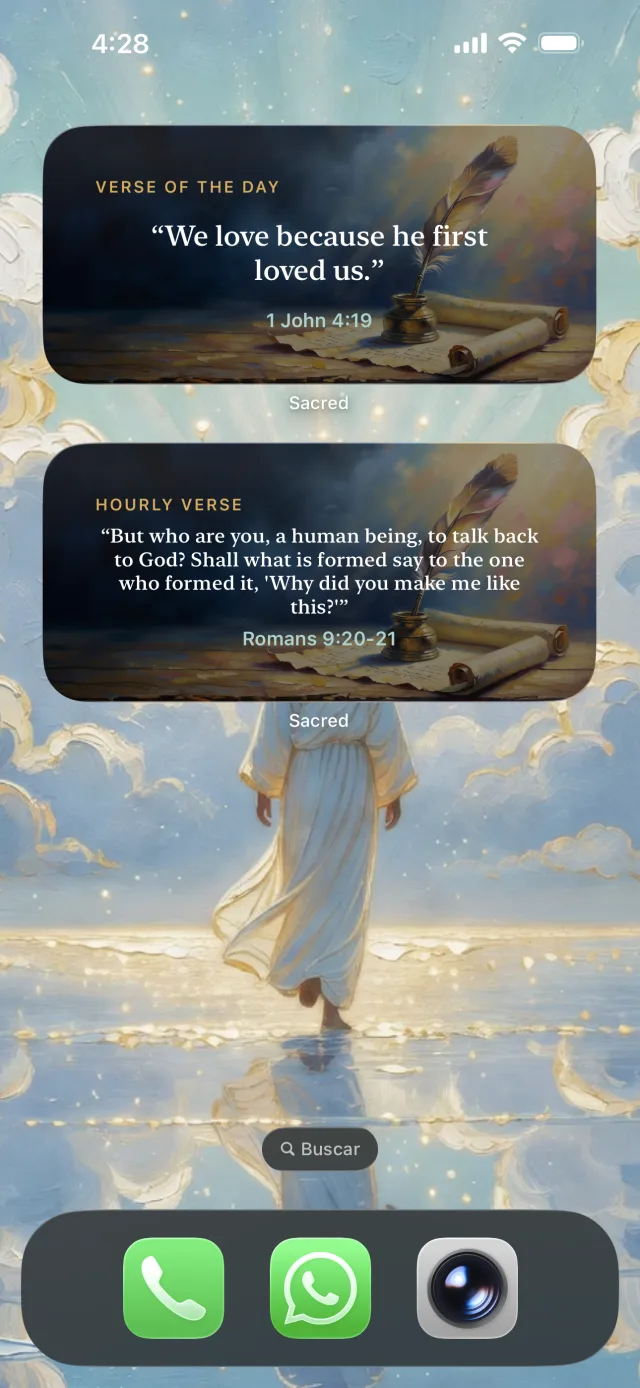 Scan with your phone
Frequently asked questions
Yes. Several Bible apps include audio narration. Look for one that covers the whole Bible, lets you choose the translation, highlights the verse being read, lets you change the speed and keeps playing when your screen is locked. Sacred does all of this in English with the Berean Standard Bible.
Listening is one of the oldest ways to receive Scripture. For most of church history, believers heard the Bible read aloud far more often than they read it privately. Both have strengths: listening helps you take in whole stories and books, while reading helps you slow down and study. Many people combine the two.
A translation in clear, modern language is usually easiest to follow by ear, especially for long passages. The King James Version is beautiful to hear but uses older English that can be harder to follow without the text in front of you. Pick the one you understand without effort.
It depends on the app. Some stop when the screen turns off. Sacred keeps the narration playing in the background and on the lock screen, so you can put the phone in your pocket while you drive, walk or do chores.