
You can study the Bible on your phone without getting pulled into everything else on it, but only if you decide a few things before you open the app: when you'll study, which passage, and what you'll do with it. Turn on a focus setting, follow a simple 15-minute method (read, read again, write, pray), save the verses that matter as favorites, keep your notes in one place and use audio when you are walking. Here is how each piece works.
Why the phone makes Bible study harder, and easier
The phone works against you in obvious ways. Notifications arrive mid-sentence. Email and social apps are one swipe away. And after years of scrolling, our eyes are trained to skim, which is the opposite of what Scripture asks for.
It also helps in real ways. Your Bible is always with you. You can compare translations, search a word, listen to a chapter and save a verse in seconds. The goal is not to give up the phone but to make it behave like a study desk for fifteen minutes.
Jesus told a busy friend something worth hearing before every session: "Martha, Martha, you are worried and upset about many things. But only one thing is necessary" (Luke 10:41-42, BSB).
Set up your phone before you start
Do this once, and every session gets easier.
- Turn on a focus setting. Focus on iPhone or Do Not Disturb on Android. Let calls from favorites through and silence everything else.
- Give the Bible app a good spot. Put it in your dock or on your first screen. Move social apps to a later page.
- Pick a time and place. Same chair, same hour. Your brain learns the cue.
- Choose one study translation. Compare others later, but read in one.
- Make reading comfortable. Bigger text, dark mode at night, headphones nearby.
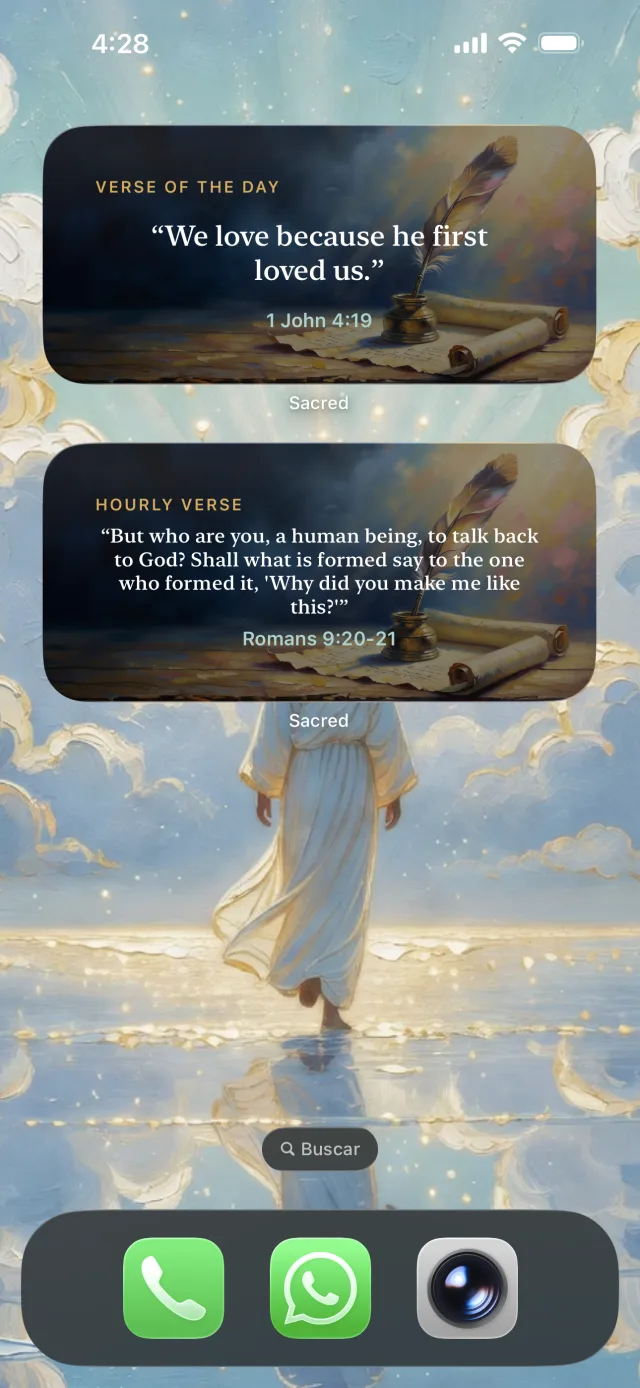
- Use a verse widget, if your app has one, so the first thing you see when you unlock the phone is Scripture, not a notification count.
The 15-minute method
| Minutes | What to do |
|---|---|
| 0 to 1 | Pray one line: "Open my eyes that I may see wondrous things from Your law" (Psalm 119:18, BSB). |
| 1 to 5 | Read the passage once at a normal pace. Ten to twenty-five verses is plenty. |
| 5 to 8 | Read it again slowly, or listen to it narrated. Save the verse that stands out. |
| 8 to 12 | Write three short answers: What does it say? What does it show about God? What will I do today? |
| 12 to 15 | Pray the passage back to God and pick one verse to carry through the day. |
That's it. If you want to go deeper on a weekend, our guide on how to study the Bible on your own covers longer methods like word studies and cross-references. If you like starting with a Bible video, the questions to ask after watching a Bible video work well in minutes 8 to 12.

Read, listen and save verses
Sacred narrates the full Bible and highlights each verse as it's read.
4.8on the App Store
 Scan with your phone
Notes and favorites: keep what you find
Most of what we read on a phone is forgotten by lunch. Two small habits change that.
Favorites are for verses you want to come back to. Save one per session, not ten. Once a week, open your favorites and read them in a row. You'll start to see what God has been putting in front of you.
Notes need one home. A paper notebook works beautifully next to a phone, and many people find writing by hand slows them down in a good way. If you prefer digital, use your phone's notes app with one note per book of the Bible, so everything you write about Mark lives in the same place. A simple format:
- Date and passage (for example, Mark 4:35-41)
- One verse, copied out
- One observation
- One question
- One prayer, in a sentence
If that sounds close to journaling, it is. Our guide on how to start a prayer journal shows how to turn these notes into prayer.
Audio while you walk
For much of history, many believers met Scripture mainly by hearing it read aloud. In Nehemiah 8, Ezra read the Law to the gathered people, and the Levites explained it "so that the people could understand what was being read" (Nehemiah 8:8, BSB). Paul's letters were written to be read aloud to churches. Listening is not a lesser way to receive the Bible.
To make audio count:
- Choose stories. Mark, Genesis, Acts and Jonah are easy to follow by ear.
- Listen first, study later. Hear a chapter on your walk, then reread one verse when you sit down.
- Adjust the speed until it feels natural, neither rushed nor sleepy.
- Lock the screen if your app keeps playing, so you aren't tempted to check anything.
- Stay safe. Keep the volume low enough to hear traffic and the people around you.
When you get distracted anyway
You will. Everyone does. Keep a short "later" list on paper: when a thought about emails or groceries arrives, write it down and go back to the verse. If you catch yourself in another app, don't scold yourself. Close it, find the last verse you read, and start again from there. A ten-minute session with one restart is still a study session.
How Sacred fits
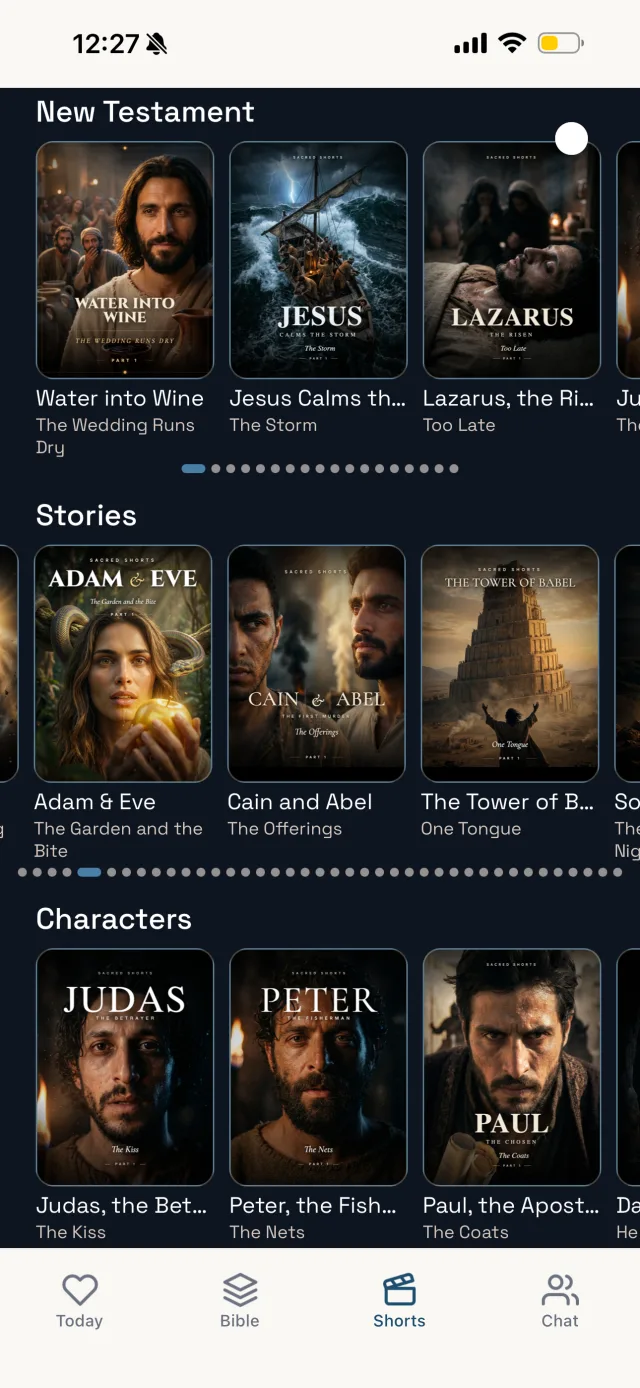
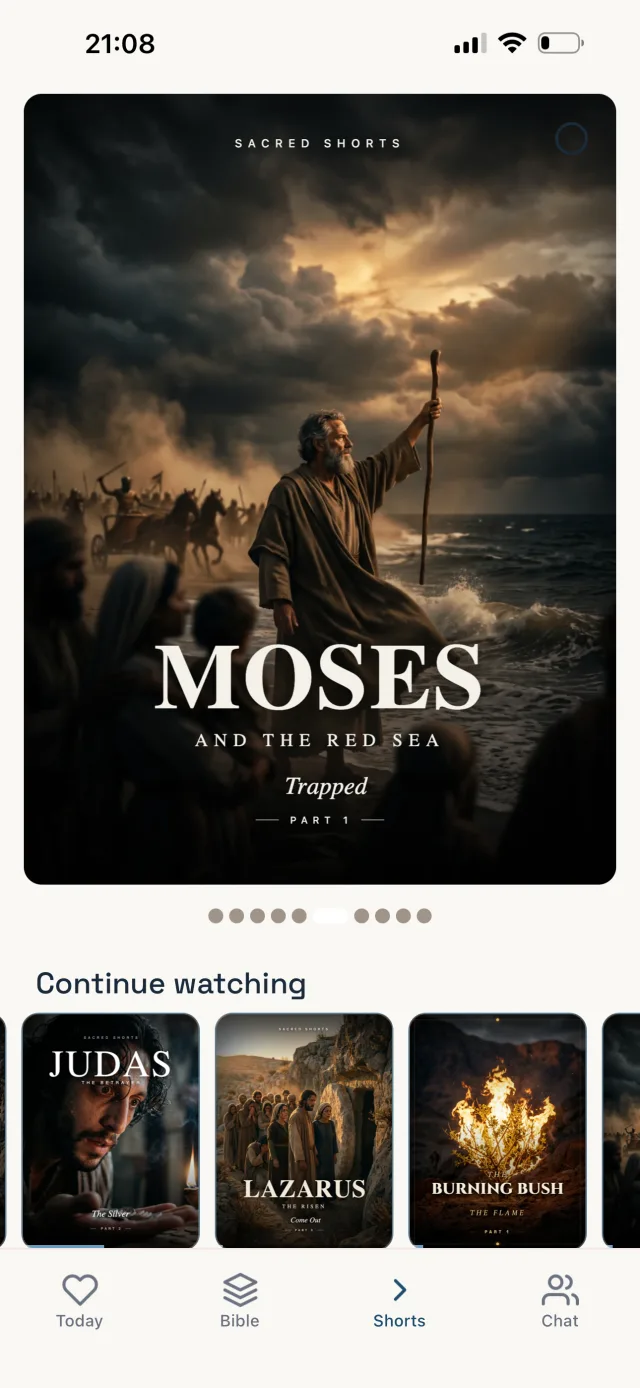
Sacred puts reading and listening side by side. You can read in the Berean Standard Bible (BSB) or the King James Version, and the full Bible is narrated in the BSB chapter by chapter, with each verse highlighted as it is read. You can adjust the speed and keep listening with the screen locked, which suits the walking routine above. Verses you save go to your favorites, and verse widgets on iPhone and Android put a verse on your home screen. When a passage raises a question, such as who the Samaritans were, the AI Bible chat can give you context in plain words. There is also a daily devotional, prayer reminders at the time you set and cinematic series in short episodes if you like to see a story before studying it. Sacred has no ads, so nothing pops up mid-chapter.
What it isn't: Sacred won't silence your other apps, so you still need Focus or Do Not Disturb. Keep your written notes in a notebook or your notes app alongside it. And the AI chat can be wrong, so check important answers against the text itself.
One last thing
The best phone setup is the one you use tomorrow morning. Pick your time, pick your passage, and give it fifteen minutes.
 Sacred Shorts
Bible study that fits in your pocket
Read or listen chapter by chapter, save favorite verses and ask questions, with no ads.
 Scan with your phone
Frequently asked questions
Yes, if you set it up for focus first. Silence other apps, decide the passage before you open anything, and follow a short method instead of browsing.
Fifteen minutes is enough for real study: read, read again, write a few lines and pray. A short session you keep every day is worth more than a long one you skip.
Turn on Focus or Do Not Disturb, move social apps off your first screen, and keep a short later list for thoughts that pop up. If you drift, return to the last verse without guilt.
Listening is a good way to take in a passage, especially long stories. Study adds a slower second pass: rereading, asking questions and writing down what you notice.